

Poster Machines for Strategic Classroom Display

Why Poster Placement Matters: The Research
Recent studies in educational psychology reveal something fascinating: students retain up to 65% more information when visual aids are strategically placed within their natural line of sight. Furthermore, research from the Journal of Educational Psychology shows that thoughtfully positioned classroom displays can increase engagement by 40%.
But here’s what many educators don’t realize—it’s not just what you display, but where and how you display it. Strategic placement transforms passive decorations into active learning tools. When teachers use poster printing for teachers effectively, they create what researchers call “ambient learning environments.”
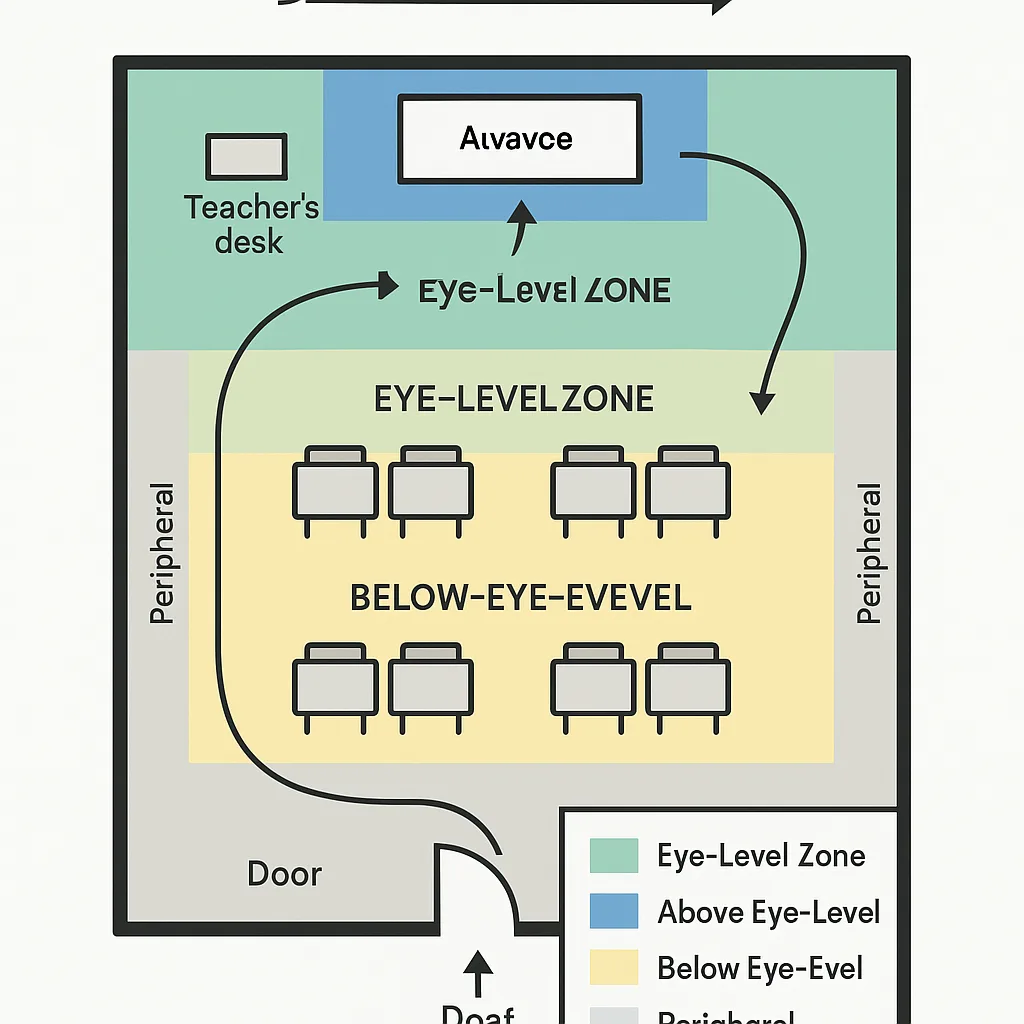
High-impact display zones maximize student attention
The Four Zones of Optimal Poster Placement
Zone 1: Eye Level
Primary learning materials belong here—multiplication tables, vocabulary words, core concepts
Zone 2: Above Eye Level
Inspirational content, long-term references, seasonal displays that don’t require constant viewing
Zone 3: Below Eye Level
Interactive elements, student work displays, materials they’ll approach closely
Zone 4: Peripheral
Passive learning materials, reminders, supportive visuals that reinforce without demanding attention
Using Poster Machines for Strategic Display: Practical Applications
Now that we understand the zones, let’s explore how modern poster machines empower teachers to implement these strategies effectively. Unlike traditional static displays, having in-house printing capabilities allows for dynamic, responsive visual environments.
Traffic Flow Analysis
Research shows that students follow predictable movement patterns in classrooms. High-traffic areas near doorways, supply stations, and collaborative spaces offer prime real estate for important reminders and procedural posters. Consider these placement strategies:
• Entry points: Welcome messages, daily objectives, mood check-ins
• Supply areas: Organization guides, cleanup procedures
• Transition zones: Movement breaks, mindfulness prompts
• Exit areas: Homework reminders, reflection questions
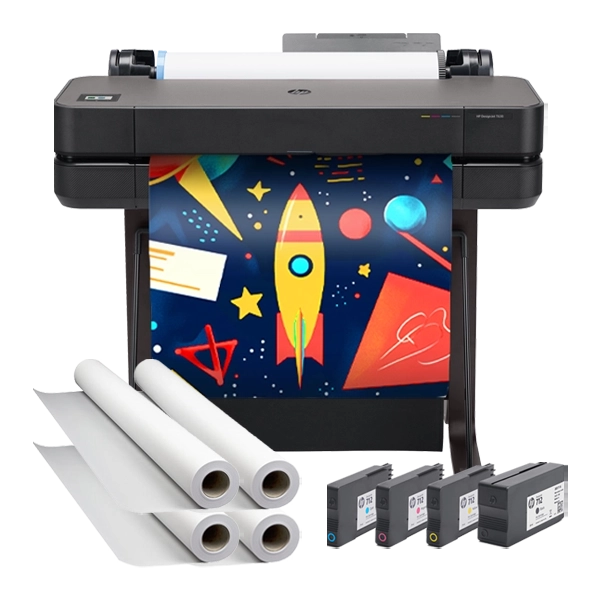
The Campus Pro 36 Poster Maker Advanced Package enables teachers to create custom signage that guides student movement while reinforcing learning objectives.
Creating Your Strategic Display Schedule
Monthly Themes
Implementation Tips
Align poster content with curriculum units, seasons, or school-wide initiatives Use poster machines to create cohesive visual themes that reinforce current learning objectives. Update anchor charts and reference materials monthly to maintain relevance and engagement.Weekly Rotations
Strategic Placement
Focus on high-traffic areas for maximum impact with changing content Rotate motivational quotes, student work showcases, and achievement displays weekly. Position these in entry zones and collaborative spaces where students naturally congregate.Daily Updates
Quick Print Solutions
Keep certain displays dynamic with daily changes for sustained interest Use poster printing for exit tickets, daily objectives, and reflection prompts. The ability to print on-demand makes daily updates practical and sustainable.Maximizing Impact with Color Psychology and Visual Hierarchy
Beyond placement, the visual design of your posters significantly impacts their effectiveness. Research in educational psychology reveals specific color associations that enhance learning:
Blue tones: Promote calm focus, ideal for reading corners and quiet work areas
Green shades: Reduce eye strain, perfect for high-frequency reference materials
Yellow accents: Stimulate creativity, excellent for brainstorming zones
Red highlights: Draw immediate attention, reserved for critical information
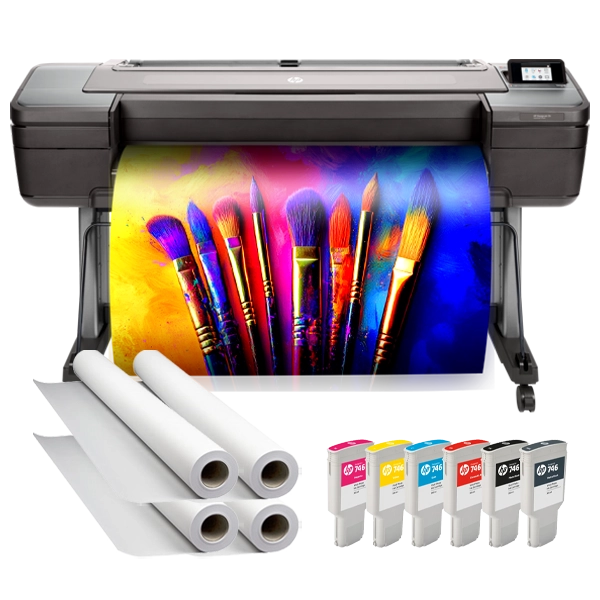
The Campus Pro 44 Poster Maker Elite Package provides the color accuracy and print quality necessary to leverage these psychological principles effectively.
Practical Implementation Strategies
Let’s translate this research into actionable steps for your classroom. Whether you’re working with elementary students or high schoolers, these strategies adapt to any learning environment.
Step 1: Map Your Space
Document student movement patterns for one week. Note where they naturally pause, gather, and focus their attention.
Step 2: Zone Your Walls
Divide wall space into the four zones based on eye level and traffic flow. Assign content types to each zone.

Step 3: Create & Rotate
Use poster machines to produce targeted displays. Implement your rotation schedule and track engagement levels.
Moving Forward: Your Strategic Display Action Plan
Understanding the science of poster placement transforms how we approach classroom design. With strategic positioning and the right tools for poster printing for teachers, every wall becomes a purposeful learning opportunity. Remember, effective visual displays aren’t about covering every surface—they’re about thoughtful placement that maximizes student engagement and retention.
As you implement these strategies, observe how students interact with different displays. Notice which placements generate the most discussion, which zones students reference most frequently, and how rotation affects engagement levels. This ongoing assessment helps you refine your approach and create increasingly effective learning environments.