 My Printer: quick support

Which school poster maker is right for me?
Choosing the right poster printer for your school can make a big difference in bringing creativity and efficiency to your classroom or campus. This guide highlights the key features, benefits and differences between our school poster makers: Classroom Pro, Campus Pro and Amplify. Whether you're looking for an entry-level solution, a high-performance option or a versatile all-around printer, it will help you find the perfect fit for your needs and budget.
- Posters that stay inside (classrooms, hallways, offices): Classroom Pro, up to 36″ wide (its black ink is pigment-based and its colors are dye-based).
- Posters that go outside or near water (fences, fields, car line, cafeterias): Campus Pro, with water-resistant pigment ink, up to 44″ wide.
- Turn a letter-size flyer into a poster with one button: Amplify 36, which prints, scans and copies with no PC needed.
Not sure yet? Take the three-question quiz above, or call 844-473-4700 and we will help you match a machine to your school.
How do the three series compare?
Every school poster maker comes in a package. Here is how the three series line up on the things schools ask about most.
| Classroom Pro | Campus Pro | Amplify | |
|---|---|---|---|
| Where prints hang | Inside | Inside and outside | Inside and outside (water-resistant ink) |
| Widest print | 36″ | 44″ (ships with 42″ rolls) | 36″ |
| Ink | Pigment-based black, dye-based colors | Water-resistant pigment | Water-resistant pigment |
| Ink cartridges | 4 | 4 to 6 | 4 |
| Best for | Bond and photo papers | Paper, photo, vinyl and art media | Scanning flyers into posters |
| Cost per 24×36 poster | About $2.19 | About $1.55 | About $1.55 |
| Models | 24 Desktop, 24, 36 | 24, 36, 44 | 36 |
| HP warranty | 2 years | 2 years on 36; 1 year on 24 and 44 | 1 year |
Cost per poster is the ink and standard paper for one 24×36 poster. A print shop charges about $29.95 for the same poster. See the full breakdown in our cost of ownership guide and the ink types guide.
Classroom Pro: indoor printing
The Classroom Pro Series Poster Makers are perfect for K-12 schools looking to enhance their classrooms with vibrant, high-quality large-format prints. Specifically designed for educators, the Classroom Pro Poster Maker simplifies creating posters, banners and other educational materials with brilliant, eye-catching colors. With user-friendly features that streamline production, it's an excellent choice for teachers who want to make a lasting impression in their classrooms.
Choosing the perfect Classroom Pro poster maker for your school
Selecting the right Classroom Pro School Poster Maker involves assessing your school's space, budget and printing needs. Here's a detailed overview of each model in the Classroom Pro series to help you find the right fit for your educational goals.
1. Classroom Pro 24 Desktop Poster Maker
Compact and budget-friendly, the Classroom Pro 24 Desktop School Poster Maker is perfect for schools with limited space. It offers high-quality prints in a small, efficient design.
- Space-saving design: Fits easily on a desk or in a small office area.
- Quick printing: Produces A1/D-size posters in about 35 seconds for on-the-spot projects.
- Easy operation: Intuitive one-click printing and user-friendly software.
- Cost-effective: Designed to use very little ink on maintenance, which keeps running costs down.
- Sustainable materials: Built with up to 30% recycled plastic, minimizing environmental impact.
Ideal for creating small to medium-size projects, this model delivers convenience without compromising quality.
2. Classroom Pro 24 Poster Maker
Balancing functionality and space efficiency, the Classroom Pro 24 School Poster Maker handles a variety of educational materials with ease.
- Compact design: A space-efficient poster maker that fits classrooms and offices.
- Automatic media switching: Seamlessly prints different sizes without manual adjustments.
- Exceptional quality: Precise lines and a wide color range for sharp, vivid prints.
- Budget-friendly: Optimizes ink usage to keep the cost of every poster down.
- Wireless printing: Prints from anywhere via Wi-Fi or the HP Smart app.
This versatile model is ideal for schools seeking reliable, high-quality printing in a compact package.
3. Classroom Pro 36 Poster Maker
Designed for schools with greater printing needs, the Classroom Pro 36 School Poster Maker creates impressive large-format visuals.
- Wide print capacity: Features a 36″ width for large posters, banners and maps.
- Fast and vivid results: Sharp, vibrant prints using HP Bright Office Inks.
- Automated features: Simplifies media handling for effortless operation.
- Eco-friendly design: ENERGY STAR® certified and made from recyclable materials.
- Mobile printing: Supports wireless printing via the HP Smart app.
Perfect for larger schools or those needing professional-quality large-format prints.
Key factors to consider
- Space constraints: Opt for the Classroom Pro 24 Desktop or Classroom Pro 24 if space is tight.
- Printing requirements: Choose the Classroom Pro 36 for large-format needs.
- Budget: All models prioritize cost efficiency with minimal ink use and eco-friendly materials.
- Sustainability: Each model supports environmentally responsible printing with recycled materials and ENERGY STAR® certification.
The Classroom Pro School Poster Maker series offers efficient, high-quality solutions tailored to your school's unique needs, making it easier than ever to create impactful visuals for education and school spirit.
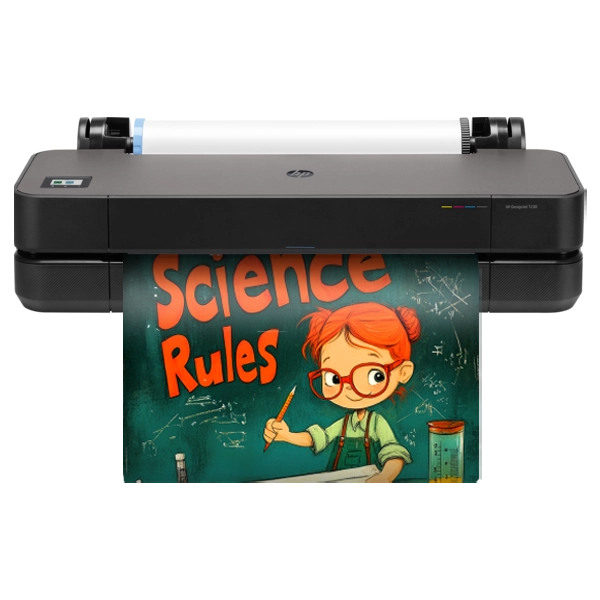 Classroom Pro 24 DesktopOur smallest poster maker, for counters and carts.See it
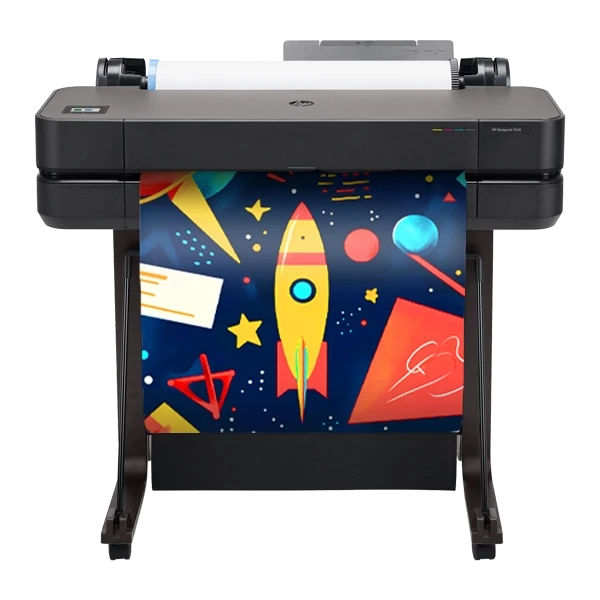 Classroom Pro 24Compact and wireless for any classroom.See it
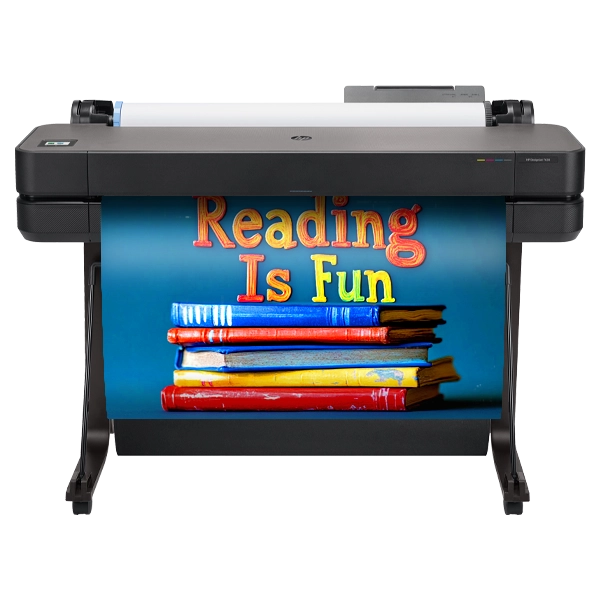 Classroom Pro 36Wider indoor prints on a built-in stand.See it
Campus Pro: indoor and outdoor printing
The Campus Pro School Poster Makers bring bold, high-quality large-format prints to K-12 learning spaces. Designed specifically for educators, the Campus Pro Series makes it simple to create vibrant posters, banners and educational materials that stand out. With features that simplify design and production, these poster makers help teachers engage and inspire students effortlessly. Ideal for making a lasting impression across your campus!
How to select the right Campus Pro poster maker for your school
Choosing the right poster maker for your school involves balancing printing needs, space, budget and sustainability. The Campus Pro Series provides versatile options tailored to meet diverse educational requirements, helping schools elevate communication, engagement and learning with ease.
1. Campus Pro 24 Poster Maker
Compact and efficient, the Campus Pro 24 is perfect for schools needing vibrant, secure prints in a space-saving design.
- Space-saving design: Fits seamlessly into classrooms or offices.
- High-quality prints: Water- and fade-resistant visuals with sharp, vibrant colors.
- Fast and easy to use: Simplified media changes and quick printing, 35 seconds or less per 24×36.
- Enhanced security: Features like HP Secure Boot and encrypted hard drives for data protection.
- Eco-friendly construction: Made with 30% recycled plastic and ENERGY STAR® certified.
Ideal for schools seeking secure, compact printing with excellent quality and sustainability.
2. Campus Pro 36 Poster Maker
A versatile solution for multi-size, large-format printing with eco-conscious features.
- Flexible multi-size printing: Handles various formats with built-in input trays and one-click operations.
- Consistent, brilliant color: HP Flex Tech Inks deliver sharp, precise results for posters, banners and visuals.
- Remote and secure printing: Wireless capabilities via the HP Smart app and HP Wolf Pro Security.
- Eco-friendly design: Built with 35% recycled materials and ENERGY STAR® certified.
Choose the Campus Pro 36 for its larger format flexibility, remote capabilities and environmentally friendly features. It also carries a two-year HP warranty.
3. Campus Pro 44 Poster Maker
Engineered for large-scale, high-precision printing, the Campus Pro 44 is ideal for creating standout visuals.
- Wide-format capability: A 44-inch poster maker (it takes rolls up to 44″ and ships with 42″ rolls) for banners, maps and large classroom displays.
- Exceptional quality: Smooth gradients and vibrant colors with HP Pixel Control technology.
- Efficient workflow: Dual roll support and fast print speeds streamline high-volume tasks.
- Security and sustainability: Includes encrypted hard drives and eco-conscious materials.
Perfect for schools with high-capacity printing needs and a focus on sustainability.
Key factors to consider
- Space constraints: Campus Pro 24 offers a compact solution; Pro 36 and 44 suit larger spaces.
- Printing versatility: Pro 36 and 44 handle a wide range of formats and color demands.
- Security features: All models prioritize data protection with built-in security protocols.
- Eco-conscious design: Each model is built with sustainable materials to support school initiatives.
The Campus Pro Series simplifies the decision with options tailored to your school's needs, helping to inspire creativity, enhance learning and ensure efficient, secure and eco-friendly printing.
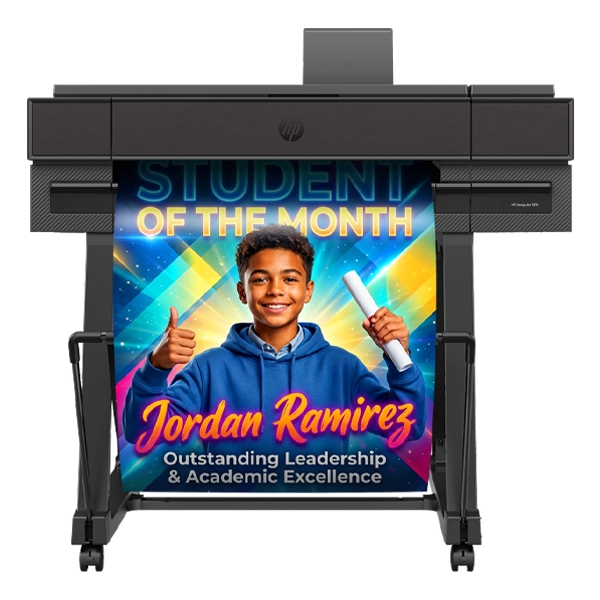 Campus Pro 24Water-resistant prints from a 24″ workroom machine.See it
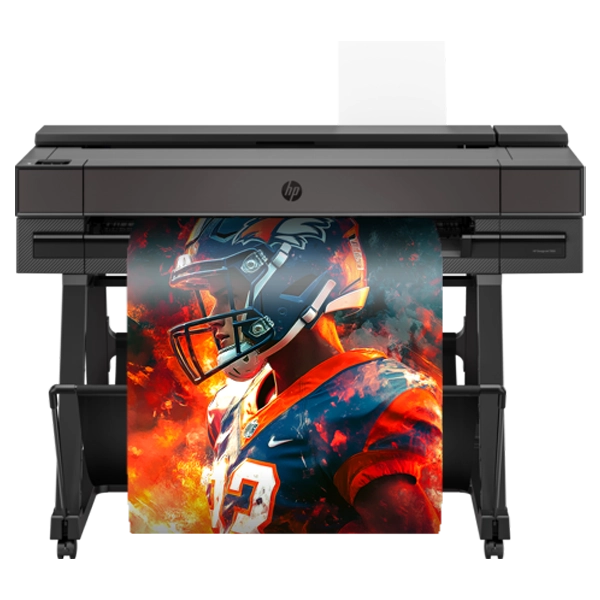 Campus Pro 36Our popular size, with a touchscreen and two-year warranty.See it
 Campus Pro 44Six inks and the widest prints for the whole campus.See it
Amplify: scan to poster
Amplify 36 is the all-in-one school poster maker: it prints, scans and copies. Lay a letter-size flyer, worksheet or piece of student art on the built-in scanner, press one button and a 24×36 poster comes out in about 21 seconds, with no computer needed. It prints up to 36 inches wide with water-resistant pigment ink, the same four-color ink as Campus Pro 24 and 36, so office staff, teachers and students can all make posters without learning design software first.
What comes with Amplify
Amplify comes in one complete package, so there is nothing else to choose.
- Amplify 36 poster maker and printer stand
- 4 rolls of coated paper, printheads and 2 sets of ink (1 XL, 1 starter)
- Design software
- 1-year HP warranty with next-business-day on-site service after HP’s remote diagnosis, free shipping* and remote setup on Zoom
Which model fits what you want to print?
Start from the job, not the machine. Find the row that sounds like your school.
| If you want to… | Look at |
|---|---|
| Print bright indoor posters, with a small footprint | Classroom Pro 24 Desktop or Classroom Pro 24 |
| Print wide indoor posters, banners, maps and bulletin boards | Classroom Pro 36 |
| Hang posters outside or near water | Campus Pro 24 or Campus Pro 36 |
| Print the widest banners for gyms, fences and fields | Campus Pro 44 |
| Scan a flyer and get a poster with one button, no PC | Amplify 36 |
Width does not limit length: a 24-inch machine still prints long banners, like 24×72. Pick the width for your biggest regular job, then check our guides to paper and media and ways to print.
Which package fits?
Every poster maker comes in a package. Packages bundle the supplies and extras most schools want on day one.
| Essentials | Advanced | Elite | |
|---|---|---|---|
| Poster maker, paper, printheads and ink | ✓ | ✓ | ✓ |
| HP warranty with on-site service after HP’s remote diagnosis | ✓ | ✓ | ✓ |
| Free shipping* and remote setup on Zoom | ✓ | ✓ | ✓ |
| Printer stand | Campus Pro | ✓ | ✓ |
| More paper and ink | ✓ | ✓ | |
| Design software | ✓ | ✓ | |
| All-in-one design station and one-touch scan to print | ✓ | ||
| Extra roll (photo paper, indoor banner or outdoor banner vinyl) | ✓ |
- Classroom Pro 36 comes in Advanced and Elite packages only.
- Amplify 36 comes in one complete package.
- Warranties are 2 years on Classroom Pro 24, Classroom Pro 36 and Campus Pro 36, and 1 year on Campus Pro 24, Campus Pro 44 and Amplify.
Prices show when your school is logged in. We accept school purchase orders, school or PTA checks, credit cards and trade-ins up to $500.
Why schools choose School Poster Makers
Our Classroom Pro, Campus Pro and Amplify poster makers are built on HP technology, and every machine is backed by our own US-based team. Here is what that means day to day.
Built-in accounting tools on Campus Pro track the ink and paper each poster uses, so you always know what printing costs. Read more in the cost of ownership guide and how to get the most from your poster maker.