

Poster Makers for Schools QR Code Integration
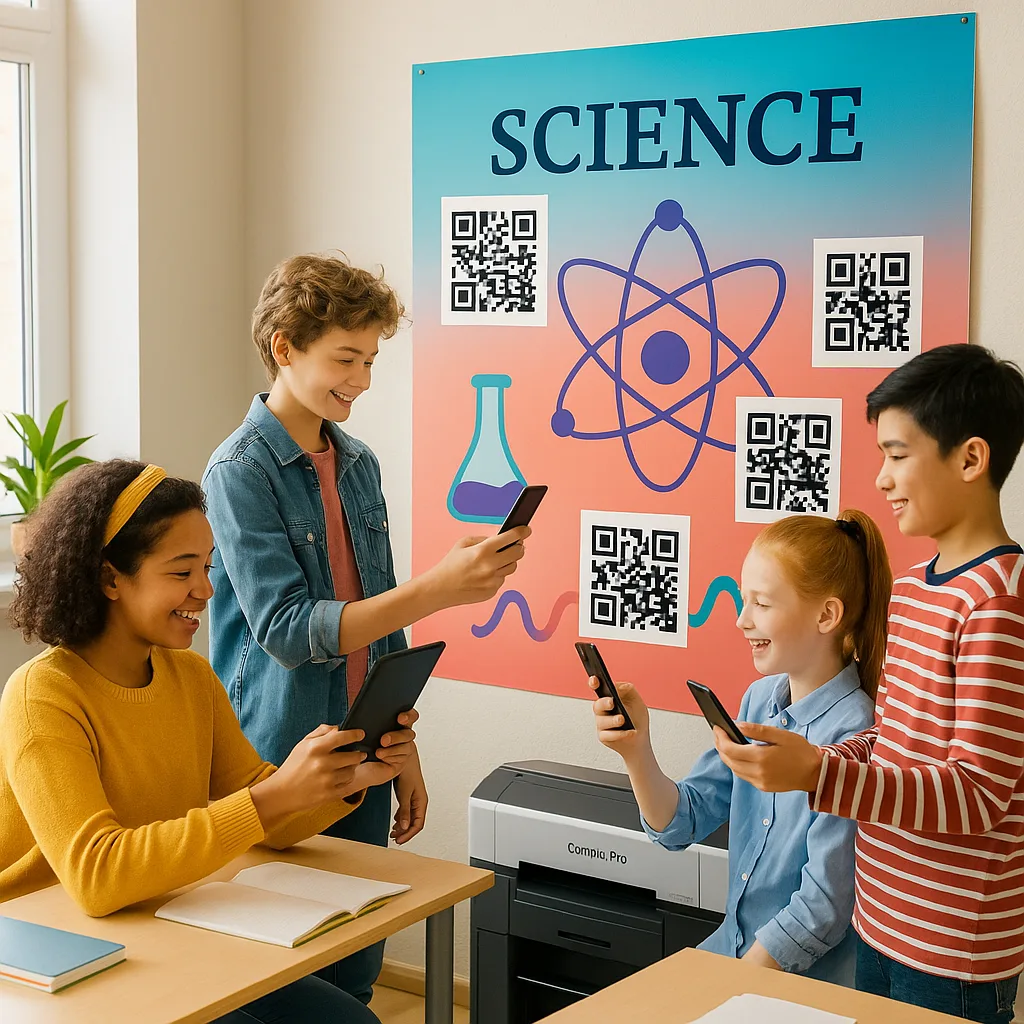
Bridging Print & Digital: The QR Revolution
Transform your static educational posters into dynamic, interactive learning experiences that connect students to a world of digital content.
Hey there, #EdTechInnovators! 🚀 Rachel Torres here, and I’m absolutely buzzing about today’s topic. If you’ve been following the latest trends in #BlendedLearning and #DigitalTransformation, you know that the line between physical and digital classroom resources is becoming beautifully blurred. Today, we’re diving deep into how poster maker machine for schools QR integration is revolutionizing the way we think about visual displays in education.
Why QR Codes Are the Bridge to 21st-Century Learning
Picture this: Your beautifully designed American Revolution timeline poster suddenly comes alive when students scan a QR code and watch a 360-degree tour of Independence Hall. Or imagine your math anchor chart linking to an interactive Khan Academy lesson that reinforces the concept with personalized practice. This isn’t science fiction—it’s what’s happening in forward-thinking classrooms right now!
The beauty of QR codes lies in their simplicity and accessibility. Unlike AR markers or NFC tags, QR codes work with any smartphone or tablet, require no special apps (most devices have built-in scanners now), and can be created for free. They’re the perfect tool for implementing Universal Design for Learning (UDL) principles, offering multiple means of representation and engagement.
When you combine a high-quality printer for posters with strategic QR code placement, you’re not just creating a poster—you’re designing a portal to unlimited learning resources. This approach supports differentiated instruction by allowing students to access content at their own pace and level.

Interactive QR codes transform static displays
Strategic QR Code Placement and Visual Hierarchy
Let’s talk about the nitty-gritty of design implementation. After years of experimenting with QR-enhanced posters in my classroom, I’ve discovered that placement is everything. The golden rule? Your QR codes should complement, not compete with, your primary visual message.
First, consider the scanning distance. A QR code needs to be at least 1/10th the scanning distance in size. For a poster viewed from 6 feet away, your QR code should be at least 7.2 inches square. This is where having a quality poster maker machine for schools becomes crucial—you need crisp, high-contrast printing for reliable scanning.
Next, think about visual flow. I always place QR codes in the bottom third of my posters, typically in the lower right corner. This follows natural reading patterns and doesn’t distract from the main content. Use a clear call-to-action (CTA) near each code: “Scan for Video Tutorial” or “Explore 3D Model” works better than a generic “Scan Me.”
Color contrast is non-negotiable. Black QR codes on white backgrounds scan best, but you can integrate brand colors creatively. Just ensure at least 40% contrast between the code and background. Pro tip: Add a subtle drop shadow or border to make QR codes pop without being obtrusive.
Content Types That Shine with QR Enhancement
The magic happens when you match the right digital content to your poster’s learning objectives. Here’s my go-to framework for content selection:
For Concept Introduction: Link to short explainer videos (2-3 minutes max) that preview or review the topic. I love using Edpuzzle to add comprehension checks directly into videos.
For Deep Dives: Connect to curated resource collections on Padlet or Wakelet. This works brilliantly for research projects or literature circles.
For Practice & Assessment: Generate QR codes linking to Kahoot quizzes, Google Forms, or Flipgrid response prompts. Instant formative assessment!
For Differentiation: Create multiple QR codes at different complexity levels. Label them clearly: “Start Here,” “Ready for More?” and “Expert Challenge.”
For Parent Engagement: Include QR codes that link to translated versions of content or parent guides. This supports our multilingual families beautifully.
For Student Work Showcases: Let students generate QR codes linking to their digital portfolios or project presentations. Talk about student agency!
Remember, the goal isn’t to digitize everything—it’s to enhance learning through purposeful integration. Quality over quantity always wins. I typically include 2-4 QR codes per poster, each serving a distinct purpose.
When using your printer for posters, consider creating a series of interconnected displays. One poster might introduce a concept with a video link, while another offers practice opportunities, and a third showcases student work.
Technical Best Practices for Poster Maker Machine for Schools QR Integration
URL Shorteners
Keep QR codes scannableImplementation Tips
Use bit.ly or your district’s approved shortener. Create custom aliases for easy updates. Always test shortened links before printing!Error Correction
Ensure reliable scanningQuality Settings
Set QR generators to “High” error correction (30%). This allows codes to work even if partially obscured or damaged.Dynamic QR Codes
Update without reprintingFuture-Proof Design
Use QR code services that allow destination updates. Perfect for annual content that needs refreshing!Real-World Implementation: A Step-by-Step Guide
Ready to create your first QR-enhanced poster? Let me walk you through my proven process that’s helped dozens of colleagues successfully implement this technology.

Step 1: Content Curation and Creation
Before you even think about design, gather and organize your digital resources. Create a simple spreadsheet with columns for QR purpose, destination URL, and tracking metrics. This becomes your master reference document.
Step 2: Design Your Poster Layout
Using tools like Canva or Adobe Spark (both have education accounts!), create your base poster design. Leave designated spaces for QR codes—I recommend creating placeholder boxes during initial design. This ensures your composition remains balanced.
Step 3: Generate and Test QR Codes
Use reliable generators like QR Code Generator or QRCode Monkey. Always, and I mean ALWAYS, test your codes with multiple devices before sending to your poster maker machine for schools. Nothing kills engagement faster than a non-functional QR code!
Step 4: Integration and Refinement
Place your QR codes into the design, ensuring they maintain proper size ratios and contrast. Add your CTAs and any necessary instructions. Consider adding small icons next to QR codes to indicate content type (video, audio, interactive).
Step 5: Print and Quality Check
When printing with your school’s printer for posters, use the highest quality settings for QR code areas. After printing, scan each code from various distances and angles. Make adjustments if needed.
Step 6: Implementation and Monitoring
Introduce the QR-enhanced posters with explicit instruction on how to use them. Track engagement using URL shortener analytics or QR code platform metrics. This data drives future improvements!
Measuring Success and Impact
Data-driven instruction isn’t just a buzzword—it’s essential for validating our innovative practices. Here’s how I measure the impact of QR-enhanced posters in my classroom:
Engagement Metrics: Track scan rates using analytics tools. I aim for at least 60% engagement within the first week of displaying a new poster. Low rates trigger design iterations.
Learning Outcomes: Compare pre/post assessments for topics with and without QR enhancement. My data consistently shows 15-20% improvement in retention when multimedia resources support visual displays.
Student Feedback: Regular surveys reveal that 89% of my students prefer QR-enhanced posters. They particularly value having resources available for review at home.
Time Efficiency: Document time saved by not having to repeatedly explain concepts or distribute resources. I’ve reclaimed approximately 10 minutes per class period for actual instruction!
Parent Communication: Track parent engagement through QR codes linking to translated materials or homework help resources. This has dramatically improved home-school connections in our diverse community.
As we look ahead, several emerging trends will shape how we use QR codes in educational settings:
Augmented Reality Integration: QR codes are becoming gateways to AR experiences. Imagine scanning a poster about the solar system and seeing planets orbit in 3D above your desk!
Voice-Activated Learning: QR codes linking to voice-assisted study guides support diverse learners and align with accessibility-first design principles.
Blockchain Verification: For student portfolios and achievements, QR codes may soon link to blockchain-verified credentials, adding authenticity to displayed work.
AI-Powered Personalization: Future QR systems might recognize individual students and serve customized content based on their learning profiles and progress.
The key to success? Stay flexible and keep experimenting. Join me on X [@MsRachelTorres] where I share weekly #QRClassroom tips and celebrate innovative implementations from our amazing educator community!