

Best Poster Maker for Schools: Consumer vs. Plotter vs. Education Station
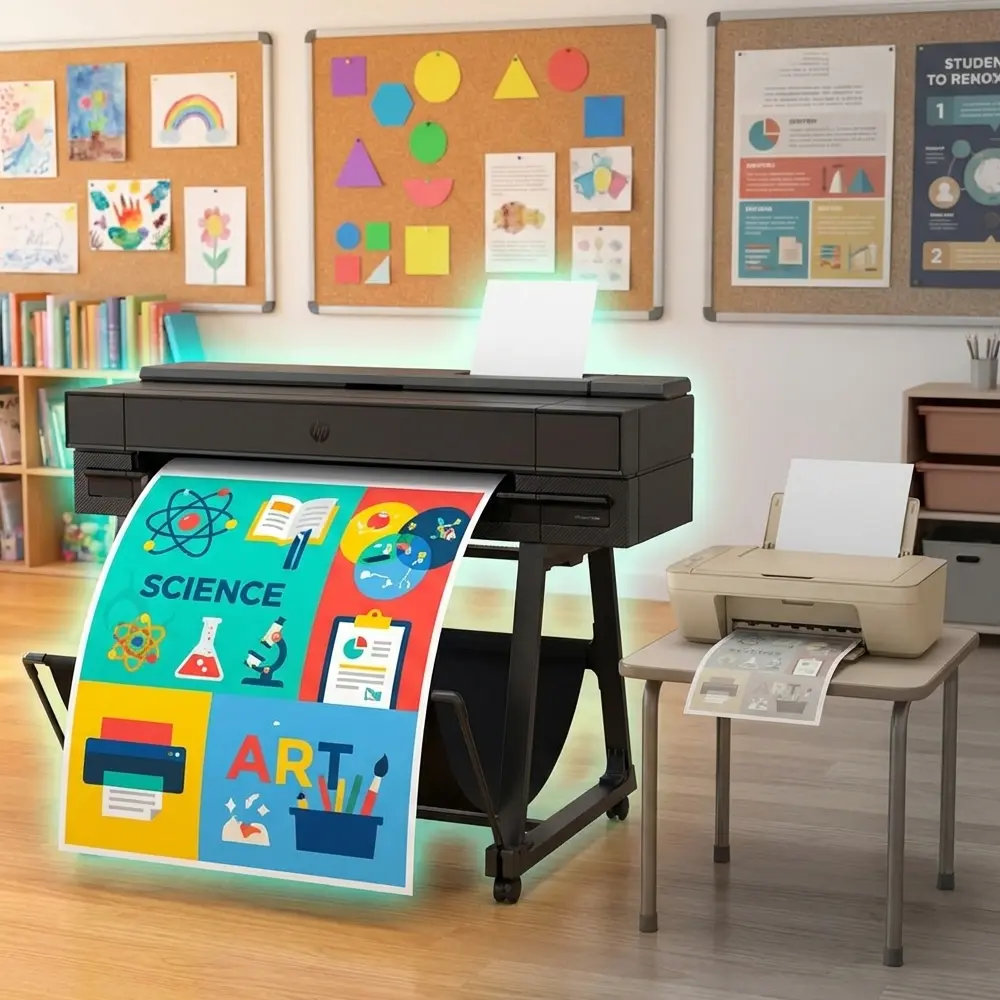
The Printing Struggle is Real
If you walk into any vibrant, successful classroom, you’ll notice one thing immediately: visuals. From anchor charts and timeline displays to student of the month features, visual aids are the heartbeat of an engaging learning environment. But for many teachers, getting these visuals from a computer screen to a wall is a nightmare.
You are likely stuck in one of three scenarios: you’re taping together 12 sheets of paper from a standard office printer, you’re begging the engineering department to let you use their complex plotter, or you’re driving to a print shop and paying out of pocket.
It doesn’t have to be this way. Today, we’re breaking down the three main contenders for school printing—Consumer Printers, Business Plotters, and Education Stations—to help you decide which poster maker for schools actually makes the grade.
1. Consumer Printers: The “Inkjet Trap”
We’ve all been there. You need a poster maker, but all you have is the standard inkjet or laser printer sitting in the corner of the media center. You try to “tile” the print, wasting twenty minutes trimming margins and taping pages together, only to have the tape yellow and peel a month later.
The Hidden Costs
While these machines are cheap to buy, they are incredibly expensive to own. Standard inkjet cartridges are notorious for their low page yields. When you try to print full-color visuals, you drain the cartridges instantly.
-
High Cost Per Page: You can easily spend $0.20 to $0.50 per page on ink.
-
Size Limitations: You are stuck with 8.5″ x 11″ or, if you’re lucky, 11″ x 17″. That’s not a poster machine; that’s a handout machine.
-
Time Wasted: Taping together pages is not a good use of a teacher’s planning period.
The Verdict: Consumer printers are great for worksheets, but they are not a poster printer for schools.
2. Business Plotters: The Oversized Overkill
Many schools inherit older wide-format printers from their district’s architecture or engineering departments. These are often called “plotters.” While they can print large images, they aren’t designed for it.
Complexity and Fragility
Business plotters are built for CAD drawings—thin precise lines on bond paper. They are not built for the heavy ink saturation required by a colorful school poster maker.
-
Technical Nightmares: These machines often require complex print drivers. If you don’t know your way around AutoCAD or specialized settings, you might crash the print queue.
-
Paper Problems: Because they are designed for line drawings, printing a full-color photo often saturates the paper, causing it to “cockle” or wrinkle.
-
Maintenance: Replacing a printhead on a business plotter can cost hundreds of dollars, and they clog frequently if not used daily.
The Verdict: Unless you have a degree in engineering, a business plotter is often more trouble than it’s worth for general classroom use.
3. Education Stations: The “Goldilocks” Solution
This is where the Education Station—specifically designed poster makers for schools—shines. These machines, like the Classroom Pro and Campus Pro series, are built from the ground up for the educational environment. They bridge the gap between quality, speed, and ease of use.
Built for Teachers, Not Technicians
The biggest advantage of a dedicated poster maker machine for schools is simplicity. You don’t need to install complex drivers.
-
Scan-to-Print: Models like the Amplify Poster Maker allow you to take a small letter-sized handout, scan it, and print it as a giant poster with the touch of a single button. No computer required.
-
Software Integration: Whether you use Canva, PDF, or Word, these machines are designed to just work.
Durability and Cost
A proper school poster maker utilizes technology meant for longevity.
-
Water-Resistant Prints: The Campus Pro series uses pigment ink that is water-resistant. This is a game-changer for schools. You can hang a banner in the hallway or even outdoors without worrying about humidity ruining it.
-
Cold Lamination: Unlike the hot, smelly laminators of the past, many Education Stations pair perfectly with Cold Laminators, allowing you to protect your posters instantly without heat or electricity.
-
Low Operating Cost: Because these use large ink tanks rather than tiny cartridges, the cost per square foot is significantly lower than consumer models.
Resource: For a deeper dive into how these machines save money compared to outsourcing, check out this guide on Poster Maker Funding Sources.
| Feature | Consumer Printer | Business Plotter | Education Station (School Poster Makers) |
|---|---|---|---|
| Ease of Use | Easy | Difficult (Complex drivers) | Very Easy (One-touch options) |
| Max Size | 8.5" x 14" | 36"+ | 24", 36", or 44" |
| Ink Cost | Very High | High | Low (Bulk tanks) |
| Durability | Low (Fades/Smears) | Medium (Paper wrinkles) | High (Water-resistant options) |
| Best For | Worksheets | Blueprints / CAD | Classroom Visuals, Banners |
Why Every School Needs a Poster Printer
Investing in a poster making machine isn’t just about making the hallway look pretty; it’s about educational equity and efficiency.
-
Visual Learning: Research consistently shows that visual aids improve student retention. A poster printer allows teachers to create anchor charts that reinforce lessons long after the lecture is over.
-
Teacher Retention: It sounds small, but giving teachers the tools they need (like a reliable poster maker) reduces burnout. No one wants to spend their Sunday night taping pages together.
-
School Spirit: From “Welcome Back” banners to “Senior Night” photos, a poster printing machine builds community.
Final Thoughts
Stop struggling with the inkjet in the library. Stop fighting with the complicated plotter in the basement. If you want to empower your teachers and engage your students, it’s time to look at a dedicated poster maker for school.
For more information on the different types of machines available, from the Classroom Pro to the Amplify, visit School Poster Makers. They offer packages specifically tailored to school budgets, including supplies and support.
Helpful Resources:
-
PaperCut’s Guide to Reducing School Print Costs – A great external resource on managing general print budgets.
-
The Benefits of Visual Aids in Learning – Why printing these posters matters for students.