

Poster Printer Machines Transform Teacher Training
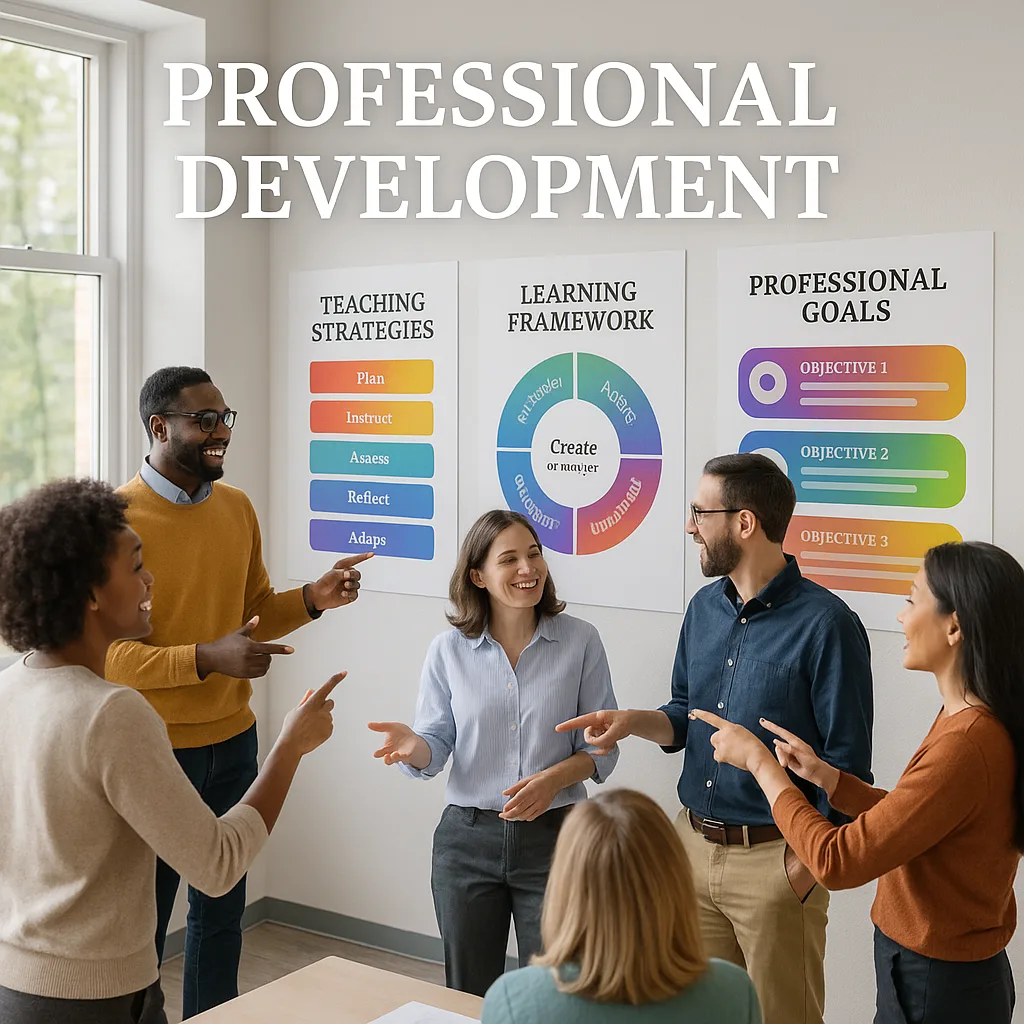
Think back to your last professional development day. Were teachers actively engaged, or were they checking emails behind their laptops? After 15 years in education, I’ve learned that traditional PowerPoint presentations simply don’t stick. However, when we leverage poster making machines to create large-format visual aids, something magical happens—teachers lean in, collaborate more, and actually implement what they’ve learned.
Why Visual Tools Matter in Adult Learning
Research from the University of Maryland’s Adult Learning Institute shows that educators retain 65% more information when concepts are presented visually versus text alone. This isn’t surprising when you consider how our brains process information. Visual aids created with poster printer machines tap into multiple learning pathways simultaneously.
During our recent literacy initiative training, we used large-format infographics to illustrate the science of reading. Teachers could literally see the connection between phonemic awareness and decoding skills. One third-grade teacher told me, “Having that poster on the wall during our grade-level meetings keeps us focused on the key concepts. It’s like having a visual anchor for our discussions.”
The psychology behind this is fascinating. Adult learners, especially busy teachers, need information presented in digestible, memorable formats. When you combine clear visuals with hands-on activities, retention skyrockets. That’s where having a quality poster printer becomes invaluable for professional development coordinators.
Visual Learning in Action
Creating Effective PD Materials with Poster Printer Machines Professional Development Focus
Let me share our proven framework for designing professional development materials that actually work. After experimenting with various approaches, we’ve developed a system that consistently delivers results.
First, consider your content hierarchy. Not everything needs to be poster-sized, but key concepts deserve prominent visual treatment. We use our Campus Pro 44 Poster Maker for main teaching frameworks and smaller prints for table activities.
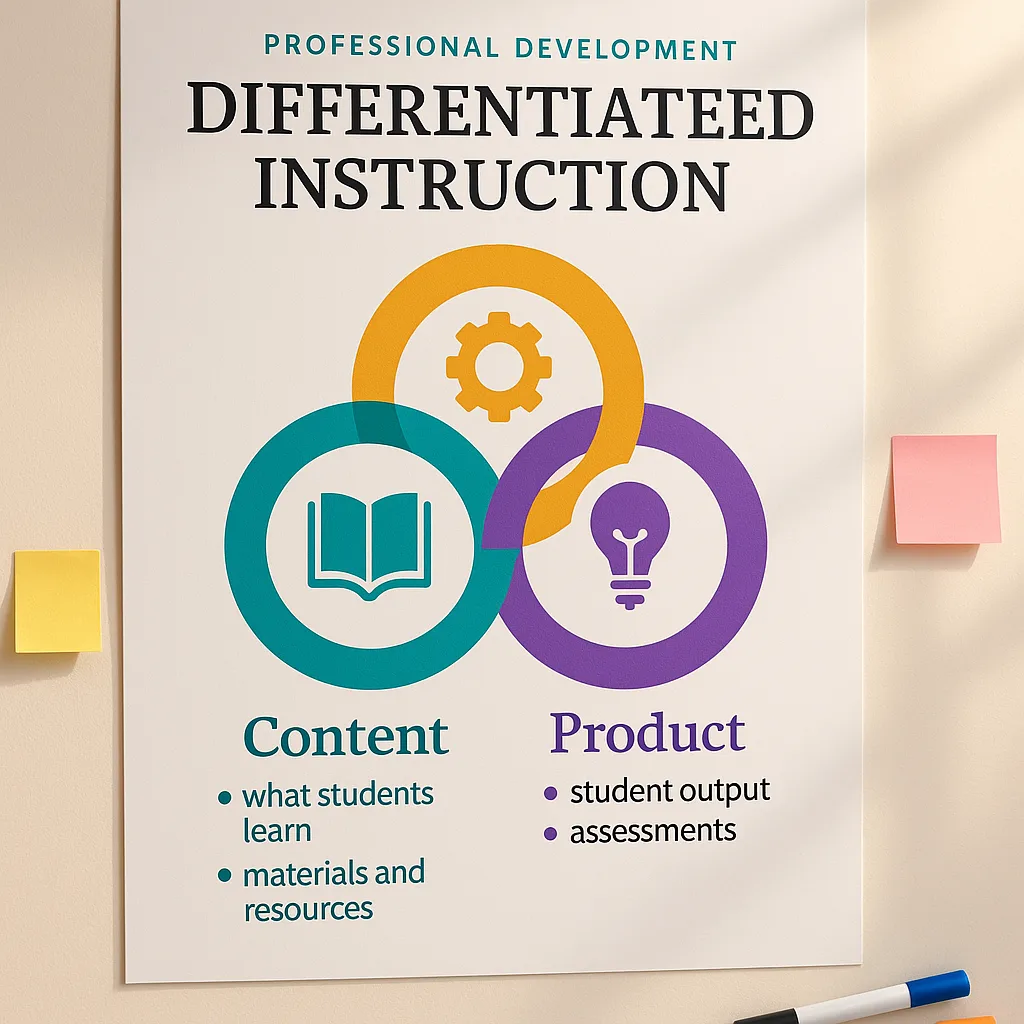
The design process starts with your learning objectives. What do teachers need to remember six months from now? Those core concepts become your poster anchors. For instance, when training on differentiated instruction, we created a massive visual showing the three pillars: content, process, and product. Teachers reference it constantly during planning sessions.
Teachers prefer visual PD materials
Implementation rate with poster support
Times more likely to reference visuals
Satisfaction with visual PD sessions
Practical Applications Across PD Topics
Every professional development topic benefits from visual enhancement, but some areas particularly shine with poster support. Let me walk you through successful implementations we’ve used with our poster making machine.
Classroom Management Training: We created a series of scenario posters showing common challenging behaviors and response strategies. Teachers could literally point to situations during discussions, making abstract concepts concrete. The visual reference helped new teachers especially, giving them a mental roadmap for handling disruptions.
Technology Integration Workshops: Instead of overwhelming teachers with app lists, we designed infographic posters categorizing tools by learning objectives. One glance showed whether an app supported collaboration, creation, or assessment. Teachers photographed these posters constantly for classroom reference.
Curriculum Mapping Sessions: Large-format year-at-a-glance posters transformed how grade levels aligned their instruction. Teachers could physically mark connections between units, identify gaps, and ensure spiral review. These working documents, printed on durable coated paper, became living resources updated throughout the year.
Social-Emotional Learning Training: We developed visual frameworks showing SEL competencies with real classroom examples. Teachers appreciated seeing exactly how self-awareness looked different across grade levels. The posters now hang in our resource room for ongoing reference.
Design Tips for Maximum Impact
Creating effective PD posters requires thoughtful design. Through trial and refinement, we’ve identified principles that ensure your materials support rather than distract from learning.
Clarity Over Complexity: Your poster should communicate one main idea clearly. We learned this the hard way when teachers ignored our initially overcrowded designs. Now we follow the “glance test”—can someone understand the core message in three seconds?
Strategic Color Use: Colors should enhance meaning, not decorate. We use consistent color coding across PD materials: blue for foundational concepts, green for strategies, orange for examples. This system helps teachers quickly navigate information during sessions and follow-up implementation.
Typography Matters: Ensure text remains readable from across the room. We maintain minimum 48-point fonts for headers and 24-point for body text on our large posters. Our poster printer machines handle various fonts beautifully, but we stick to clean, professional choices for PD materials.
White Space Is Your Friend: Resist filling every inch. Strategic empty space helps important information stand out and prevents cognitive overload. We aim for 40% content, 60% white space on instructional posters.
Planning Phase
Start with learning objectivesImplementation Strategy
Map your PD goals to specific visual elements. Consider which concepts need poster-size emphasis and which work better as handout supplements. Plan your poster production timeline allowing for revisions.Design Phase
Layout your visual hierarchyCreation Process
Use templates to maintain consistency across materials. Test readability at various distances. Get feedback from colleagues before final printing. Remember accessibility guidelines for color contrast.Production Phase
Print and prepare materialsQuality Assurance
Choose appropriate paper types for durability. Consider lamination for frequently used materials. Create digital backups for future sessions. Organize materials for easy distribution during PD.Overcoming Common Implementation Challenges
Let’s address the elephant in the room—implementing visual PD tools isn’t always smooth sailing. I’ve encountered numerous challenges over the years, and sharing these solutions might save you similar headaches.
Budget Concerns: Initially, our finance committee questioned the investment in a poster making machine. We addressed this by calculating cost savings versus outsourcing poster creation. Within six months, the total cost of ownership proved significantly lower than external printing services. Plus, the ability to create materials on-demand eliminated waste from outdated resources.
Time Constraints: Teachers worried about additional prep time for visual materials. We solved this by creating reusable templates and establishing a poster library. Now, facilitators can quickly customize existing designs rather than starting from scratch. Our PD team also shares the design load, with different members responsible for specific training modules.
Storage Solutions: Large posters require thoughtful storage. We invested in a map cabinet for frequently-used materials and created a digital catalog for easy reordering. Some posters get laminated for durability, while others are designed as single-use for specific workshops.
Technology Comfort: Not all facilitators felt confident designing posters. We addressed this through peer mentoring and simple design software training. Starting with basic templates helped build confidence. Now, even our most tech-hesitant teachers create engaging visual materials.
Ready to Transform Your Professional Development?
Visual tools aren’t just nice-to-have additions to professional development—they’re essential for creating memorable, impactful learning experiences. When teachers can see, touch, and interact with concepts, professional growth accelerates dramatically.
Looking Forward: The Future of Visual PD
Professional development continues evolving, and visual tools will play an increasingly vital role. As we move forward, I see several exciting trends emerging that will shape how we use poster printer machines professional development materials.
Hybrid learning models demand resources that work both in-person and virtually. We’re experimenting with QR codes on posters linking to digital resources, creating bridges between physical and digital learning environments. Teachers can photograph poster sections for personal reference while maintaining the collaborative benefits of large-format displays during group work.
Personalized professional development paths benefit from customizable visual tools. Using our school poster maker comparison guide, districts can select equipment matching their specific PD needs. Some schools need portability for multiple sites, while others prioritize large-format capabilities for auditorium presentations.
The shift toward competency-based professional development requires visual progress tracking. We’re developing poster-based portfolio systems where teachers document their growth journey through visual artifacts. These displays celebrate learning while providing accountability for professional development hours.
Remember, the goal isn’t to create posters for poster’s sake. Every visual element should enhance understanding, encourage collaboration, or extend learning beyond the PD session. When used strategically, these tools transform professional development from a compliance exercise into a creative, engaging journey of professional growth.
Start small if you’re new to visual PD tools. Choose one upcoming training session and identify three key concepts deserving poster treatment. Use our funding sources guide to explore options for acquiring a poster maker. Most importantly, involve your teachers in the creation process—their investment in developing materials translates directly to implementation success.
Professional development doesn’t have to feel like a chore. With the right visual tools and creative approaches, we can make teacher learning as engaging as the best classroom lessons. After all, we’re educators—let’s practice what we preach about effective instruction.