

School Poster Maker for Multilingual Families
The Language Barrier Reality Check
Let me share something that completely changed my perspective. Last month, Maria’s mom approached me after class with tears in her eyes. Through broken English and lots of gesturing, she explained she’d missed three important school events because she couldn’t understand the flyers. My heart sank. 💔
Here’s what I’ve learned: nearly 22% of U.S. students speak a language other than English at home. That’s millions of families potentially missing out on their child’s educational journey! But here’s the good news—visual communication can bridge this gap beautifully.
Creating Your Visual Communication Toolkit
Ready to build your own visual bridge? Here’s my tried-and-tested toolkit that’s made such a difference in our classroom community. Remember, the goal is clarity and inclusion!
Icon Libraries
Build a collection of universal symbolsEssential Icons
Must-Have Icons:• Calendar/dates
• Clock/time symbols
• School supplies
• Activities & events
• Emotions & behaviors
• Safety symbols
Color Coding
Use colors to convey meaningSmart Colors
Color System:• Red = Important/urgent
• Green = Go/approved
• Yellow = Caution/reminder
• Blue = Information
• Purple = Special events
Visual Hierarchy
Guide the eye naturallyDesign Tips
Layout Rules:• Big = Most important
• Top = Read first
• Arrows guide flow
• White space = clarity
• Consistent placement
Practical Applications That Work
Let me share some real examples from my classroom that have made a huge difference. These aren’t just theories—they’re tested solutions that work!
Daily Communication Boards
Using our Classroom Pro 24 Poster Maker Advanced Package, I create:
• Morning check-in charts with emotion faces
• Picture schedules showing daily activities
• Homework stations with visual instructions
• Behavior expectation posters with icons
The compact size is perfect for classroom use, and the quality rivals anything we used to order online!
Event Communication
For school-wide communications, banner printing machines help us create:
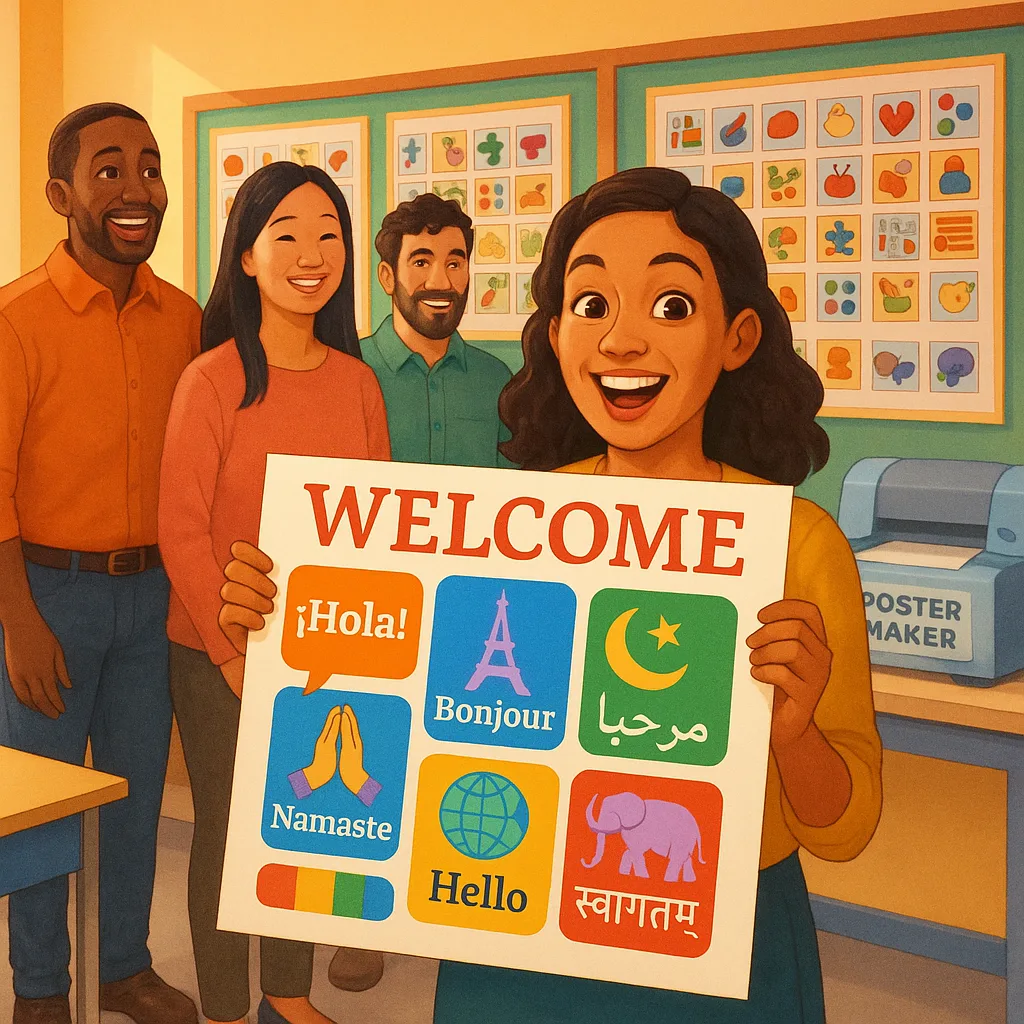
• Multilingual welcome banners
• Visual event calendars
• Picture-based permission slips
• Icon-rich safety procedures
Parents tell me they finally feel included in school activities. One dad even volunteered for the first time because he understood what help we needed!
School Poster Maker Multilingual Families Success Stories
Let me tell you about the Rodriguez family. They’d been at our school for two years, but I’d barely seen them at events. After implementing our visual communication system, everything changed. Mrs. Rodriguez started sending picture notes about her son’s progress at home, and Mr. Rodriguez joined our Dad’s Club after understanding the visual flyer!
Another win? Our Back-to-School Night attendance jumped by 40% after we started using icon-based invitations. Parents told us they finally understood not just when to come, but what to expect.
Tech Tools and Resources
Beyond having the right school poster maker, you’ll need some digital tools to create amazing visuals. Here are my favorites (most are free!):
Free Design Resources:
• Canva for Education – Free templates with icons
• Flaticon – Massive icon library
• Google Translate – Quick translations (verify with native speakers!)
• Pixabay – Diverse stock photos
• Noun Project – Universal symbols
Pro tip: Create a shared folder with your team so everyone can access the same visual resources!
Creating Consistency:
With banner printing machines and poster makers, maintain:
• Standard icon sizes (minimum 2 inches)
• Consistent color coding school-wide
• Clear fonts (Arial or Comic Sans work great)
• High contrast for visibility
• Lamination for durability
Check out our Paper and Media Types Guide for the best materials!
Common Mistakes to Avoid
I’ve made plenty of mistakes on this journey (ask me about the time I accidentally used a thumbs-up symbol that meant something very different in another culture! 😅). Learn from my oops moments:
Visual Overload: More isn’t always better. I once created a poster with 20 different icons—talk about confusing! Now I stick to 5-7 max.
Assuming Understanding: Just because something seems universal doesn’t mean it is. Always test your visuals with a diverse group first.
Forgetting Accessibility: Consider colorblind viewers and those with visual impairments. High contrast and large print are your friends!
One-Size-Fits-All: Different families need different levels of visual support. Some might need picture-heavy communication, while others just need key icons.
Your Next Steps
Building bridges takes time, but every visual you create brings families closer to their child’s education. Remember, you don’t need to be perfect—you just need to start!
Here’s your action plan for this week:
1. Audit Your Current Communication: Look at what you’re sending home. How much requires English fluency?
2. Start Simple: Pick one routine communication (like homework folders) and add visual elements.
3. Get the Right Tools: Whether it’s our Amplify Poster Maker with its amazing scan-to-poster feature or another model, having in-house printing capabilities changes everything.
4. Ask for Feedback: Create a simple visual survey for parents. You’ll be amazed at their insights!
5. Share Your Success: When something works, tell other teachers. Building an inclusive school is a team effort!
The families in our communities deserve to feel connected, valued, and informed. With thoughtful visual communication and the right school poster maker, we can make that happen. Here’s to building bridges, one poster at a time! 🌈
What visual communication challenges are you facing? I’d love to hear your stories and share more ideas!